Description
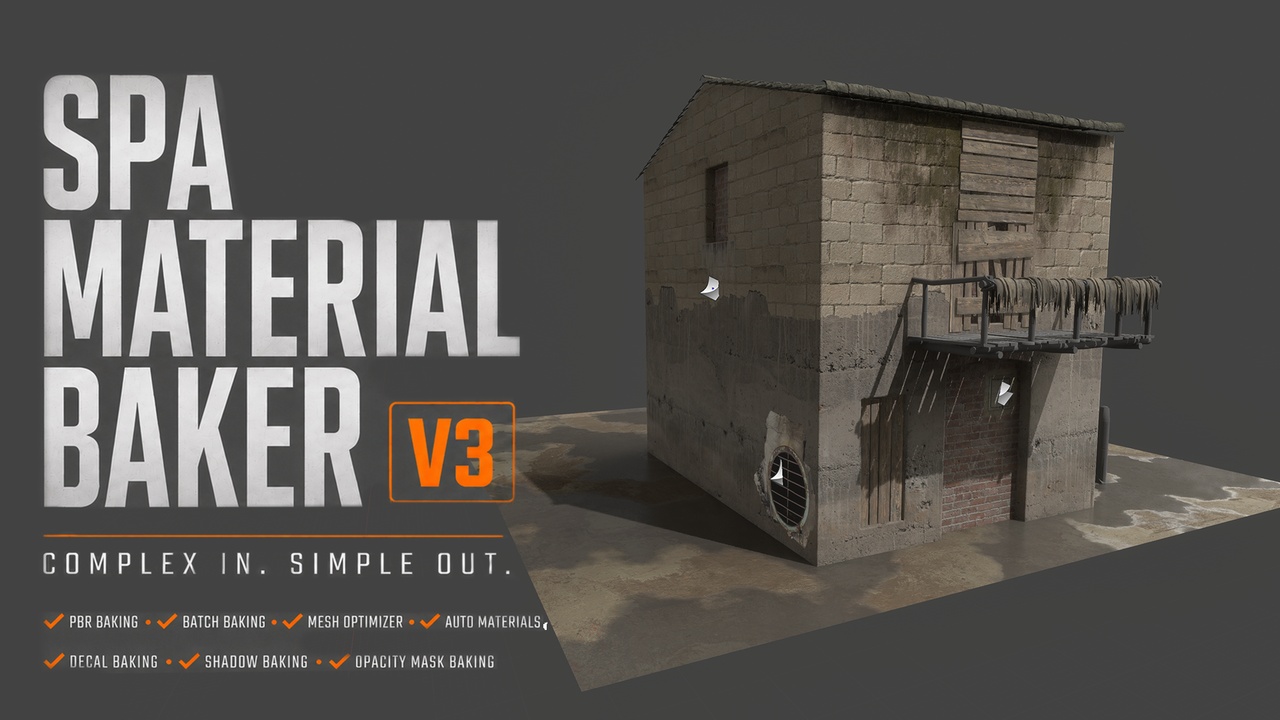
SPA Materials Baker >>>> Complex in. Simple out. (V3)
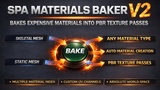
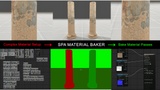
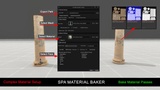
SPA Material Baker is a production-ready baking and optimization tool for Unreal Engine 5. It converts complex, procedural, layered, and world-aligned materials into optimized texture sets and simplified, game-ready materials—directly inside the Unreal Editor.
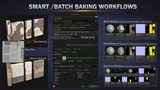
Bake individual assets or process multiple meshes in batches with control over materials, UV channels, texture passes, resolution, dilation, naming, and output settings.
Video Demonstration | Documentation Website | New V3 Features
Key Features (V3)
Advanced PBR Material Baking
Bake complex Unreal Engine materials into clean PBR texture maps, including:
Base Color
Normal
Ambient Occlusion
Roughness
Metallic
Emissive
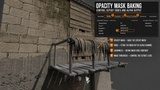
Opacity Mask
Displacement
Custom outputs
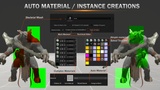
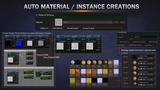
Automatic Material Detection
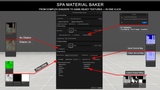
The baker detects the selected passes and automatically creates the appropriate output material.
For example, baking Opacity Mask creates a masked material, while baking Displacement generates the required displacement material setup.
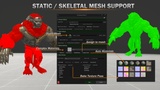
Static and Skeletal Mesh Support
Bake materials from static meshes, skeletal meshes, characters, props, and environment assets.
Automatic Material Workflow
Automatically create master materials, material instances, textures, and assignments as part of the baking process.
Smart Material Assignment
Apply generated materials directly to the selected mesh or actor. You can bake a specific material slot or process all material indexes.
Powerful Batch Baking
Process multiple meshes and material slots with consistent naming, resolution, output, and quality settings.
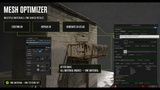
Mesh Optimizer
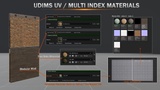
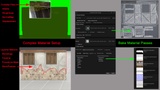
Combine multiple indexed materials into a single optimized material and texture set.
The Mesh Optimizer includes three UV-management methods to organize the available texture space and help prevent overlapping or invalid UV layouts.
Packed Texture Support — ORM
Pack Ambient Occlusion, Roughness, and Metallic data into a single optimized texture to reduce texture samples and simplify materials.
UV Channel Control
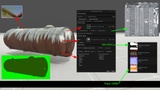
Select the UV channel used for baking and work with custom, generated, overlapping, or tiled UV layouts.
For the best results, use clean, non-overlapping UVs placed within the 0–1 UV space.
UV Dilation
Expand baked pixels beyond UV island borders to reduce visible seams and improve texture filtering.
Dilation can be enabled or disabled independently, and its coverage can be adjusted based on the asset and output resolution.
World-Space Correction
Accurately bake world-aligned and triplanar materials while preserving their appearance on the final optimized asset.
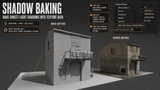
Lighting-Data Baking
Capture direct shadows from supported Unreal Engine lights and bake them into texture data.
Currently supported light types include:
Directional Lights
Point Lights
Spot Lights
This feature captures direct-light shadow information. Skylight contribution, Lumen, and indirect illumination are not currently baked.
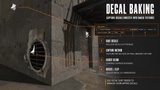
Decal Baking and Sorting
Manage overlapping decals using their Sort Order values and control which decal appears above the others in the final bake.
Custom Pass System
Create and bake additional material outputs for specialized workflows, including displacement, opacity masks, and custom material data.
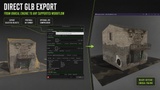
GLB Export
Export any object selected in the Unreal Editor as a .glb file for use in external applications and pipelines.
Quality and Optimization Controls
Fine-tune the final output using adjustable settings for:
Texture resolution
Sampling quality
Pixel coverage
UV dilation
Selected UV channel
Material indexes
Texture packing
Naming and output paths
Typical Use Cases!
Convert complex shaders into optimized texture sets
Bake procedural and layered materials into stable textures
Bake world-aligned and triplanar materials
Consolidate multiple material slots into one material
Prepare optimized assets for LODs, mobile, VR, or gameplay
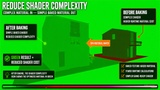
Reduce material complexity, texture samples, and draw calls
Create portable assets for external pipelines
Prepare assets for Substance 3D, Unity, Blender, or other software
Bake characters, props, and environment assets in batches
Prepare clean assets for outsourcing or marketplace distribution
Capture direct-light shadow data into textures
Export selected Unreal Engine assets in GLB format
Limitations and Important Notes
Substrate materials are not currently supported. For stable baking results, ensure Substrate is disabled in the project settings.
UE5.7 uses a different internal material-baking algorithm, so some results may differ from other engine versions.
Dynamic materials should use local or object transform space to bake correctly.
Clean, non-overlapping UVs inside the 0–1 space are recommended for reliable results.
Overlapping UVs and UDIM-style layouts may not produce correct results in every workflow.
UDIM-style UVs are currently baked into a single atlas output.
Large meshes may produce lower-quality results at limited texture resolutions. Consider dividing them into modular pieces.
Lighting Data captures direct shadows from Directional, Point, and Spot Lights only.
Skylight effects, Lumen, and indirect illumination are not currently included in Lighting Data.
Custom passes may share internal output resources and may be mutually exclusive in certain workflows.
Translucent-material opacity is not supported through the standard baking workflow; Opacity Mask baking is supported.
Landscapes are not currently supported.
Very high-resolution batch baking may require significant system memory.
Some product images include Paragon assets provided by Epic Games. These assets are used in accordance with the Unreal Engine license and are not included with this plugin.
👨💻 About the Developer
Website: Alishantia
Products: Unreal Marketplace Profile