Description
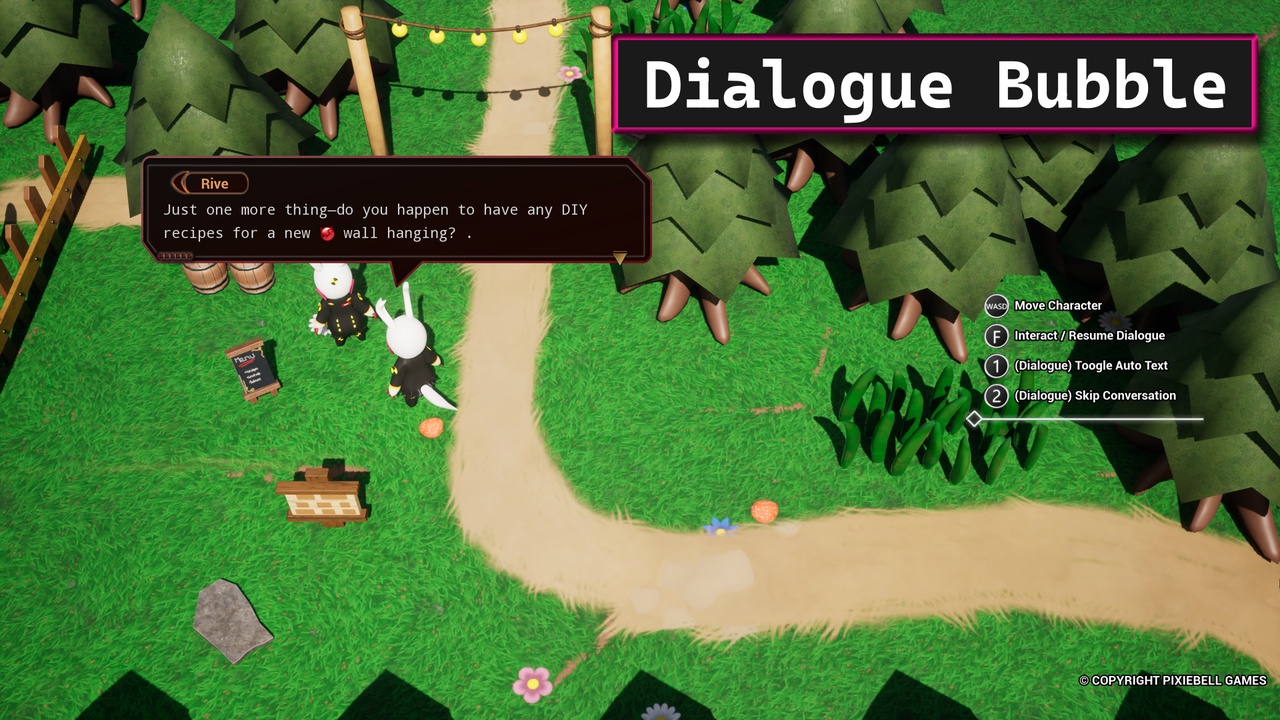
The main points of this dialogue bubble system are that it allows the user to place a dialogue box over the head of the talking characters(npc or player) in addition to playing audio+animation like in most JRPG. The default character control is set to a top-down camera playstyle.
Documentation ✍: https://pixiebellgames.com/documentation/dialogue-bubble/
Demo Video 👾: Demo Youtube
Playable Demo Sample(324MB) 🎮: Package Demo Link
Contact EN/FR (support/review/question) Email 📩: [email protected]
More than 170 answers (problem solved) as a Q&A Sage from Epic Dev Forum: https://dev.epicgames.com/community/profile/pp3k/Arodi007
Features with clip: https://pixiebellgames.com/documentation/dialogue-bubble/features
Usage 🎀:
Make dialogue interaction between NPC/Object and main character.
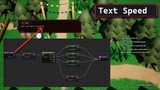
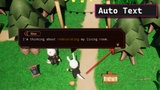
Enable text speed, auto text and skip dialogue.
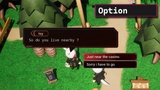
Add option choice for the user to select.
Combine text with voice and animation of the characters.
The bubble box is placed over the head of the talking characters.
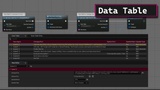
Every interactable NPC has their own data-table and events organised in their respective bp.
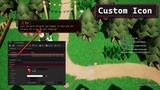
Use of richtext to allow custom icon into the dialogue box.
Customise 💫:
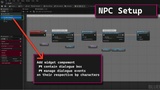
User can add the WidgetComponent Dialogue to their respective NPC blueprint to manage the dialogue events.
Customise their dialogue background box to match their game style.
Offset the position of the dialogue box over the actor.
Add their own text, audio, animation in their data tables (some variables are in soft reference to save memory).