










Description
Asset Context Exporter For AI - Turn your whole Unreal project into text an LLM can read.
If you got tired of pasting Blueprint screenshots into ChatGPT and getting back code that used variable names you never wrote, or of paying subscriptions and burning tokens just so your AI can take a look at your project, this plugin is for you.
Claude, ChatGPT and Gemini know Unreal Engine generically: documentation, forums, tutorials. They don't know YOUR project. Ask about your Blueprint and they guess your variable names, ignore your interfaces, and hand you code that doesn't fit your architecture. Technically valid, contextually useless.
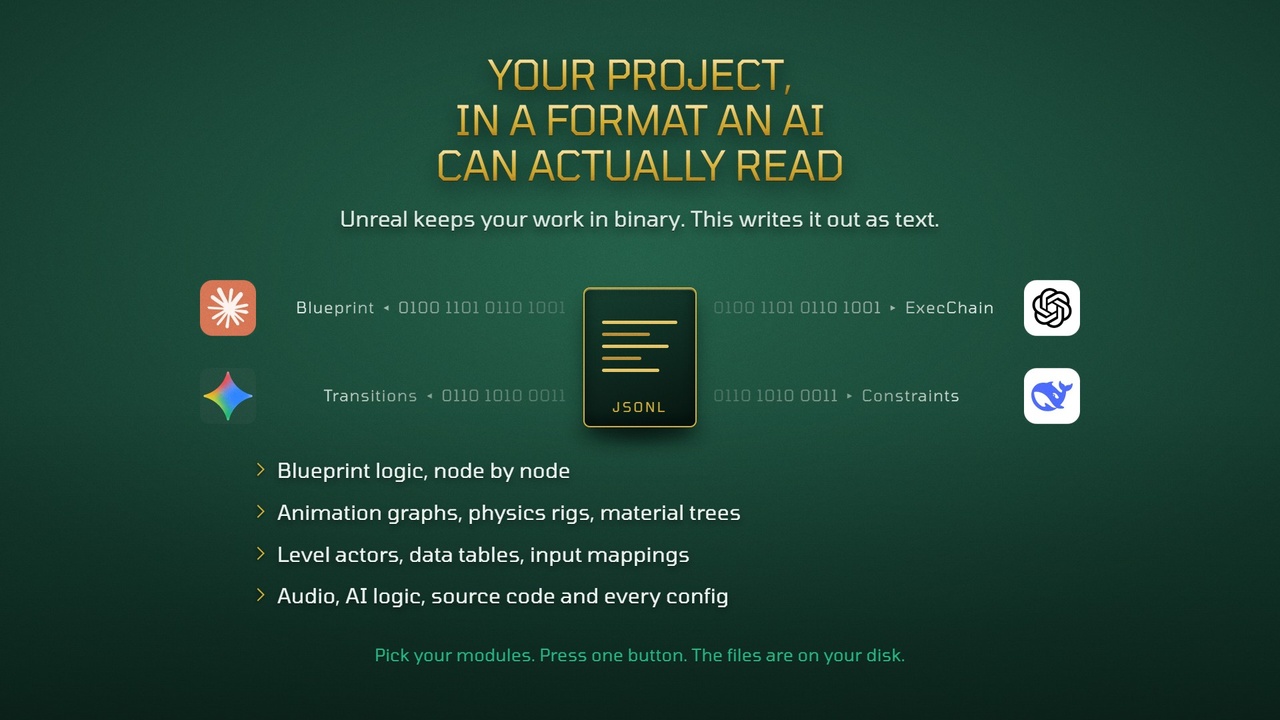
This plugin exports most of your project, not just blueprints or one subsystem, into structured JSONL files that any LLM can read directly. Real variable names, real execution flows, real component hierarchies, real skeletons and state machines. Source code and config are exported as Markdown instead, because that is what models read best.
-NOTHING LEAVES YOUR MACHINE
No API keys. No account. No subscription. No network calls of any kind. It's a headless commandlet that writes files to a folder you pick. What you do with them afterwards is your call, including feeding them to a fully local LLM. If your studio isn't allowed to send source code to a cloud service, this still works.
-UNLIMITED USES
No subscriptions and no extra payments. Buy it once, own it forever, export as many times as you want.
-INSTALLS IN ANY PROJECT
Enhanced Input is the only requirement (+StructUtils on 5.4), and it ships with Unreal Engine. Niagara, MetaSound and StateTree are used when your project has them and simply ignored when it doesn't, so you never have to enable a plugin you don't use just to install this one.
-WHAT ACTUALLY GETS EXPORTED
Most exporters dump variable names and call it a day. This one goes further:
▸ BLUEPRINTS
Full execution flow AST. Not just node names, but what calls what, in what order, with what inputs. Pure math nodes (Add, Multiply, Compare) expanded inline. Collapsed sub-graphs, interface implementations and event dispatcher signatures included. Variables report their concrete type, not a generic category. Hard cast count exported as a coupling signal. Component topology, socket data, ChildActor template overrides.
For Widget Blueprints: full widget tree, all properties, UMG animation tracks, and dynamic property bindings.
▸ ANIMATION SYSTEM
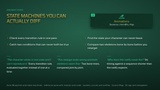
Anim Blueprints export at the same depth as a regular Blueprint: implemented interfaces, real variable types, event dispatchers, the exposed native parent API, every AnimGraph node with its modified values, and every State Machine with its states, conduits, transitions and rule logic.
Skeletons: complete bone tree with the reference pose in full (position, rotation and scale), sockets with their transforms, virtual bones, slot groups, curve metadata with its flags, per-bone retargeting overrides, and blend profiles with the blend scale of every bone.
Skeletal Meshes: bone hierarchy, skeleton and physics bindings, LODs, morph targets, material slots and the full Asset Details panel, including the Post Process Anim Blueprint.
Physics Assets: every body with its mass, damping, collision channels and axis locks, every collision primitive with its dimensions and transform, and every constraint with its limits, soft settings, projection and complete drive parameters. Enough to ask why a leg bends the wrong way and get an answer.
IK Rigs and IK Retargeters: solver settings, goals with their transforms, effectors, per-bone stiffness and preferred angles, retarget chains and chain mapping.
Blend Spaces: axes and every sample. Control Rig: the RigVM graph with the value of every pin and the wiring between nodes, so the procedural logic can actually be read. Sequences and Montages: length, notifies with their trigger time, duration, class and properties, sync markers, sections, and the segments of every slot with their play rate and time range. Raw keyframe dumps are intentionally omitted; you get the structure that matters, not noise.
▸ AI & BEHAVIOR
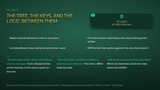
Behavior Trees exported as full recursive ASTs: every branch, including the ones hanging under nested Selectors and Sequences, with decorators, services and tasks and all their properties. EQS queries embedded inline where referenced. Blackboard keys and types. State Trees with property bindings and editor topology.
▸ MATERIALS
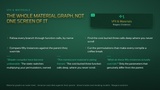
Material domain, blend, shading and all root settings. Material Instances export every scalar, vector and texture parameter override plus the parent path. The layer artists actually tune. Base-material node graphs are traversed where Unreal exposes them to headless extraction; when a graph is held as editor-optional data that can't be resolved offline, the file states so instead of guessing.
▸ WORLD LEVELS
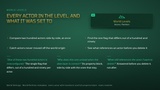
Every actor exported individually: transforms, non-default properties, full component list. World Settings and World Partition metadata. Deep World Load option for full Partition actor resolution.
▸ AUDIO
MetaSound: full DSP graph node structure. SoundCue: recursive node tree.
▸ INPUT
Every Enhanced Input Mapping with modifiers and trigger conditions. Input Actions with their value type AND which Blueprints in your project use them.
▸ DATA
DataTables, CurveTables, StringTables, Primary Data Assets. User Defined Structs and Enums, so the AI knows the exact shape of your types. The full Gameplay Tag dictionary, so it uses your real tags.
▸ MESHES & PROCEDURAL
Static Mesh metadata (LODs, bounds, triangle count, material slots, sockets, collision). Metadata only, never geometry. PCG procedural-generation graphs.
▸ GAMEPLAY ABILITY SYSTEM
Ability, Effect and Attribute Set blueprints detected by parent class and exported with full data through the Blueprints module.
▸ PHYSICS
Physical Materials (surface friction, restitution and density).
▸ SOURCE CODE & CONFIG
Full .cpp / .h files. All .ini configuration. Optional plugin source inclusion.
▸ PROJECT MANIFEST
Master index of every exported asset plus a dependency map. Long asset paths are aliased to short tokens, with the lookup table in the manifest.
-WHOLE PROJECT, OR JUST THE ASSETS YOU NEED
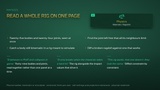
Project Export sweeps every module you enable. Single File does the opposite: browse your content, queue the assets you care about and export only those, written flat with full asset paths and no alias table, so each file stands alone in a chat.
-FOUR EXPORT MODES, ONE CLICK
Context windows are finite. Pick the layout that fits how you'll feed the data:
- STANDARD: one .jsonl per asset, for dragging one specific asset into a chat.
- FRAGMENTED: same, split into parts capped at a Max File Size you set. Each part is valid JSON on its own.
- CONSOLIDATED: one file per module, so the AI reads a whole subsystem at once.
- MONOLITHIC: a single project-wide .jsonl for RAG ingestion (the source-code snapshot stays as separate Markdown).
Headless CLI flags (-DeepWorld, -MaxRAMMB, -NoAIFilter) give CI automation full parity with the editor UI.
-THREE WAYS TO USE IT
1~ CHAT CONTEXT
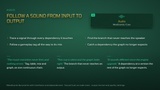
Export, drag the JSONL into Claude, ChatGPT or Gemini, ask specific questions about YOUR project. Use Single File, or the scope filter, to focus. The Copy AI Prompt button copies a primer that teaches the model how to read the payloads.
2~ RAG PIPELINES
The Monolithic export drops into LangChain, LlamaIndex or any vector database. No retraining.
3~ FINE-TUNING DATA PREP
Structured output ready for dataset preparation.
-ANALYTICS DASHBOARD
Module size and assets-per-module charts, your twenty most complex Blueprints, most referenced and heaviest-in-memory assets, and export efficiency metrics: mode, throughput, delta savings, average size per asset, true physical file count. Loadable from any previous export.
-LIMITATIONS — PLEASE READ BEFORE BUYING
TEXT DATA ONLY: No .wav, .mp3, .png, .fbx or any binary media. "Materials", "Audio" and "Animation" export structural data and parameters, not the media files, and not raw animation keyframes.
ASSET RESOLUTION: unsaved, corrupted or orphaned assets may not resolve at export time. An exact 1:1 match with your Content Browser count is not guaranteed.
SCOPE FILTER: the scope selects where the export starts, and dependencies reachable from there are followed, so the result can include assets outside the folder you picked.
FRAGMENTED CAP: parts split along the payload structure so each stays valid JSON. A value that cannot be divided without breaking it stays whole, and its part is flagged.
WORLD LEVELS COST: far more export time and memory; Deep World Load multiplies it further.
HARDWARE: NVMe SSD recommended. Export cannot run while the engine compiles shaders or builds DDC.
LANGUAGE: the editor UI is English only in this version. JSONL keys and folder names are always English for parser compatibility.
WINDOWS 64-BIT ONLY.
-TECHNICAL SPECIFICATIONS
Supported Platforms: Windows 64-bit, Editor-only plugin.
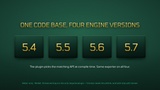
Supported Engine Versions: 5.4, 5.5, 5.6, 5.7.
Required Plugins: Enhanced Input, StructUtils (ships with Unreal Engine).
Includes the Google font "Tomorrow" (SIL Open Font License).