Description
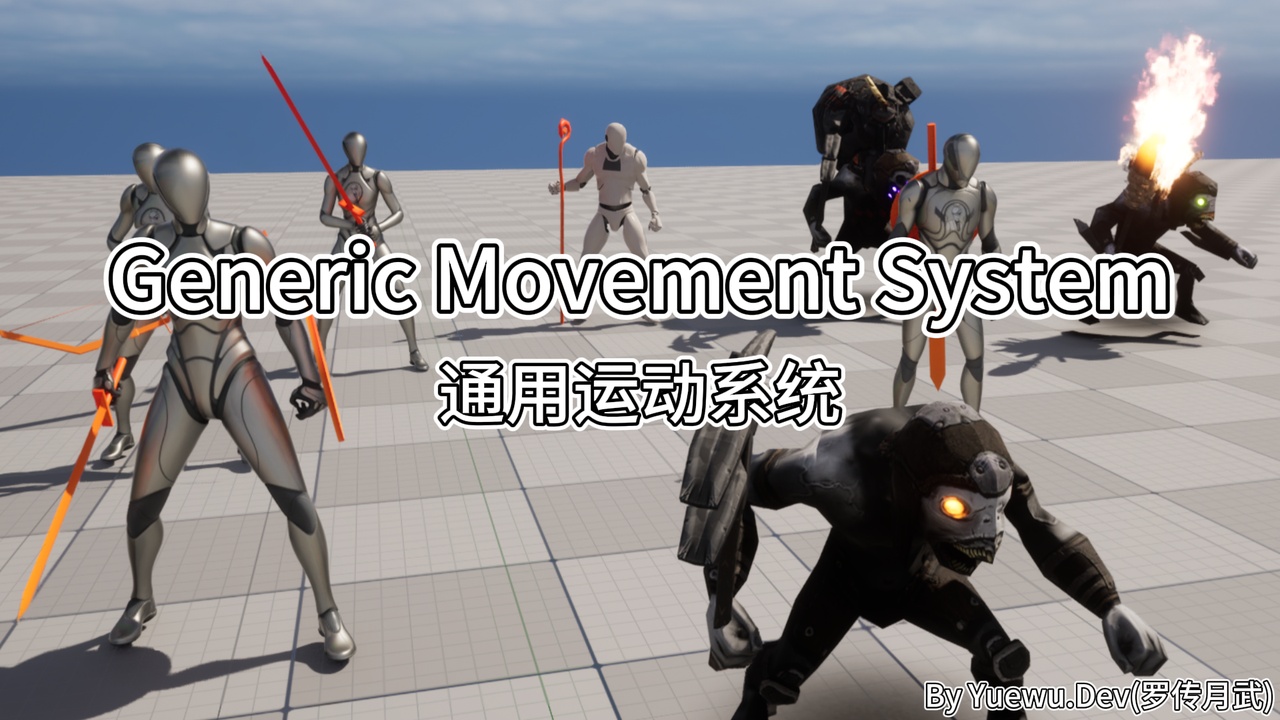
Generic Movement System (GMS) is an Unreal Engine movement control and locomotion framework delivered as a code plugin together with a companion project. The code provides the runtime architecture and contract layer; the companion project provides the authored animation, characters, Movement Sets, and demo content needed to understand, validate, and use the system through a working movement implementation.
Documentation and Support
Playable Demo: https://cloud.yuewu.dev/s/qNTK
Community / Support: Discord
Purchase Verification: verification guide
Feature List: FEATURES
Why Generic Movement System?
The hard part of locomotion is rarely making one character move. The cost appears when gameplay state, movement code, animation graphs, authored animation data, and simulated proxies all keep their own version of what the character is doing.
How do you integrate a movement framework non-intrusively without changing your character parent class?
How do different characters, stances, and equipment states configure movement control and animation through data instead of maintaining separate characters, Animation Blueprints, and graphs?
How do movement requests, actual movement, facing policy, and animation stay consistent in multiplayer?
How do weapon, carried-object, injured, or traversal presentations layer over base movement without forking the system?
How can Gameplay Tags drive animation or pose changes from gameplay state without scattering conditional logic across character and animation graphs?
How do multiplayer projects synchronize the locomotion context needed by character animation?
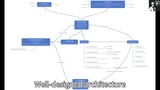
GMS addresses that cost through two connected layers: a component-driven Movement Control System and an animation/locomotion framework built around reusable settings, animation layers, and companion content examples.
Key Features
Integrate without taking over your character hierarchy
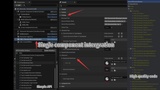
GMS keeps character movement control in a component and exposes the locomotion protocol to animation. The companion project is the practical starting point: study a complete integration first, then adapt the framework to the characters, input actions, skeletons, animation libraries, and game rules your project already uses.
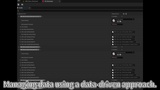
Manage character movement profiles with Movement Sets
Movement Definitions and Movement Sets let you organize character style, gait, facing, backend setup, overlays, and project-specific data in reusable assets. A light explorer, heavy weapon character, injured variant, or special stance can switch profiles at runtime while sharing the same component and animation architecture.
Keep gait, facing, and animation on one result
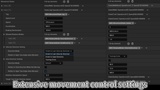
GMS separates desired movement state from the state the character has actually reached, giving starts, stops, pivots, and transitions stable data to read. Rotation can follow movement or view direction, while temporary speed adjustments support buffs, slows, surfaces, or AI catch-up without corrupting the authored gait profile.
Extend presentation with animation layers
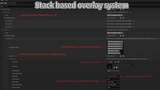
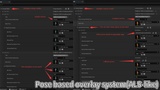
The main animation instance coordinates locomotion, overlays, view, additive motion, and skeletal controls through a layer-oriented workflow. Pose overlays, sequence overlays, and parallel overlay stacks let weapons, carried items, injuries, or project-specific presentations sit on top of base movement instead of turning one graph into the whole character.
Adapt animation data without locking the framework to one skeleton
Animation graph settings keep skeleton-specific bone references and layer settings in data. That makes it practical to reuse the same locomotion structure across different characters and animation packs while still validating the final result against your own skeleton, animations, and gameplay needs.
Learn from companion content, not empty architecture
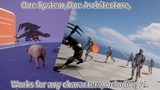
The GMS companion project includes core MovementSystem content, GMS demo maps, humanoid examples, animal examples, camera/UI helpers, GAS-driven basic character actions and state management, custom animation layer examples, and more. It shows how the code architecture is expected to cooperate with authored assets, Movement Sets, animation layers, and real demo scenarios.
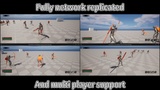
Replicate locomotion semantics for multiplayer presentation
The plugin synchronizes the locomotion facts remote presentation needs: movement definition, Movement Set, locomotion mode, overlay mode, Gameplay Tags, and view rotation. On the Character Movement path, requested movement state, rotation mode, and movement intent are replicated as part of the same workflow.
Support a dual-backend architecture
GMS builds a shared abstraction over CMC (Character Movement Component) and Mover so the animation layer does not need to know which backend a Pawn is using. The CMC path is the current stable path. Mover support remains experimental and can be explored in the companion project's _Mover folder.
Prefer reusable animation structure
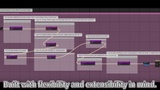
Most core animation blueprints in the companion project are built as Animation Blueprint Templates, so they are not tied to a single skeleton. Animation Blueprints related to skeletal controls and Montage slot distribution are associated with the standard UE5 skeleton where that skeleton-specific setup is required.
Best Fit For
Third-person action, adventure, shooter, RPG, melee, or character-driven projects
Teams that need shared architecture for walk, jog, sprint, stances, equipment, injuries, or character variants
Projects using Character Movement Component and wanting Data Asset plus Gameplay Tag driven locomotion
Multiplayer games where remote animation needs the same locomotion context as gameplay
Blueprint and C++ teams that want to keep their own characters, skeletons, animations, inputs, and game rules
Developers who understand that a movement system needs both framework code and authored content examples to become practical
Developers who already understand the basics of Blueprint, animation assets, and Gameplay Tags
GMS itself is a code-level locomotion framework that provides the architecture direction and code contract. The GMS companion project provides a complete playable movement system as the default implementation reference. Teams can start from that companion implementation, while experienced developers can extend it with new movement modes and project-specific locomotion behavior.